
Mandatory messages
Send Required Emails to Unsubscribed Contacts
Send internal or required communications without an unsubscribe link, while keeping your emails compliant.
√ Separate mandatory and marketing emails
√ Apply the correct rules to each message type
√ Built with CASL requirements in mind
√ Billed only for your subscribed contacts
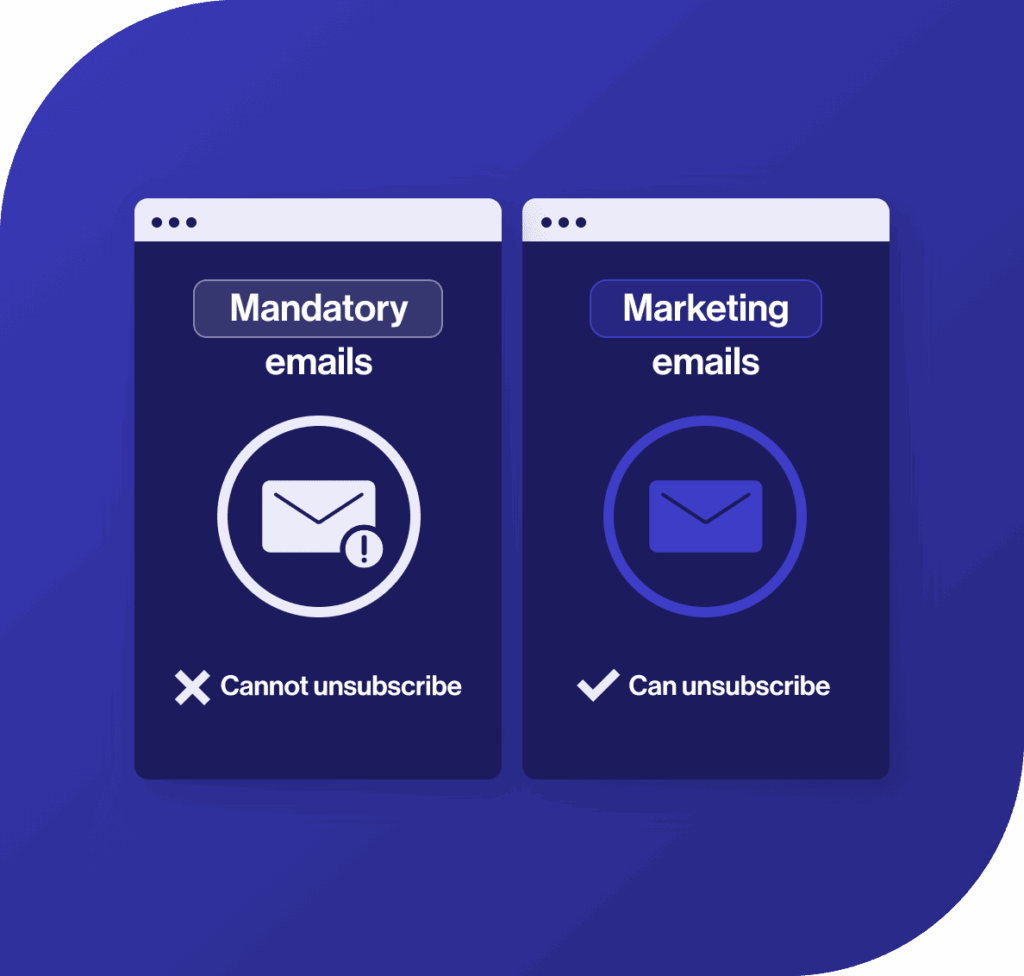
What is Mandatory Messaging
Mandatory messaging disables the unsubscribe link for non-marketing emails sent from a specific account.
These emails must be managed separately to ensure the correct rules are applied.


When to Use Mandatory Messaging
Use mandatory messaging for communications that must be sent as part of your organization’s operations. Examples include:
- Internal announcements to employees
- Organizational or operational updates
- Messages sent to members or partners
- Administrative communications
How This Works in Cyberimpact
Mandatory messaging is applied at the account level
When enabled, the unsubscribe link is removed from all emails sent from that account. It cannot be applied to individual emails or contact groups.
Marketing and mandatory emails must be separated
Because this setting applies to the entire account, marketing emails cannot be sent from the same account.
Use sub-accounts to separate communications
If you only send mandatory messages, one account is enough. If you send both, use two sub-accounts—one for mandatory messages (no unsubscribe link) and one for marketing emails (unsubscribe required)—managed under the same main account.
Start Sending Required Communications
Send required messages in a way that keeps your communications clear and aligned with compliance requirements.

Frequently Asked Questions
How do I enable mandatory messaging?
You need to contact Cyberimpact. Your request will be reviewed before activation.
How does mandatory messaging work?
Mandatory messaging is applied at the account level. When enabled, the unsubscribe link is removed from all emails sent from that sub-account. It cannot be applied to individual emails or groups.
Can I use this for marketing emails?
No. Marketing emails must include an unsubscribe mechanism and must be sent from a separate sub-account to mandatory messages.
Can I disable the unsubscribe link for specific emails only?
No. When this setting is enabled, it applies to all communications sent from the account.