
Sub-accounts
Manage Multiple Accounts from One Platform
Give each team, location, or client their own account—without mixing contacts or campaigns.
√ Separate contacts and campaigns
√ Control access per account
√ Support multiple teams or locations
√ Billed only for your subscribed contacts
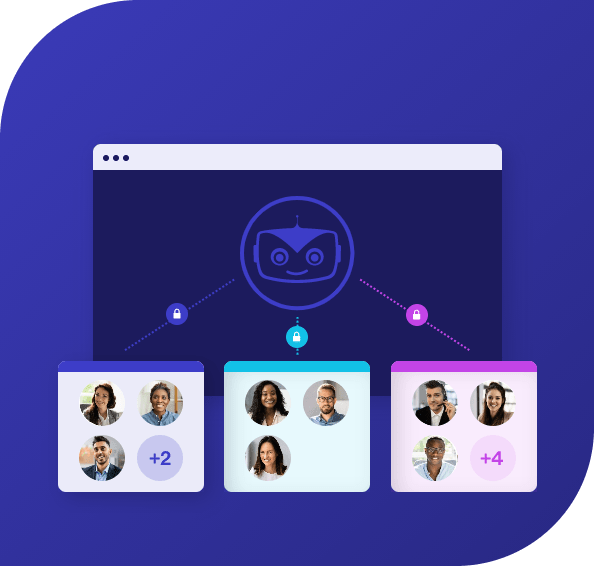
What Are Sub-Accounts
Sub-accounts let you create separate accounts within your main Cyberimpact account. Each sub-account has its own contacts, campaigns, and users. Data does not overlap between accounts.
This allows you to manage multiple audiences in one platform while keeping everything organized and clearly separated.

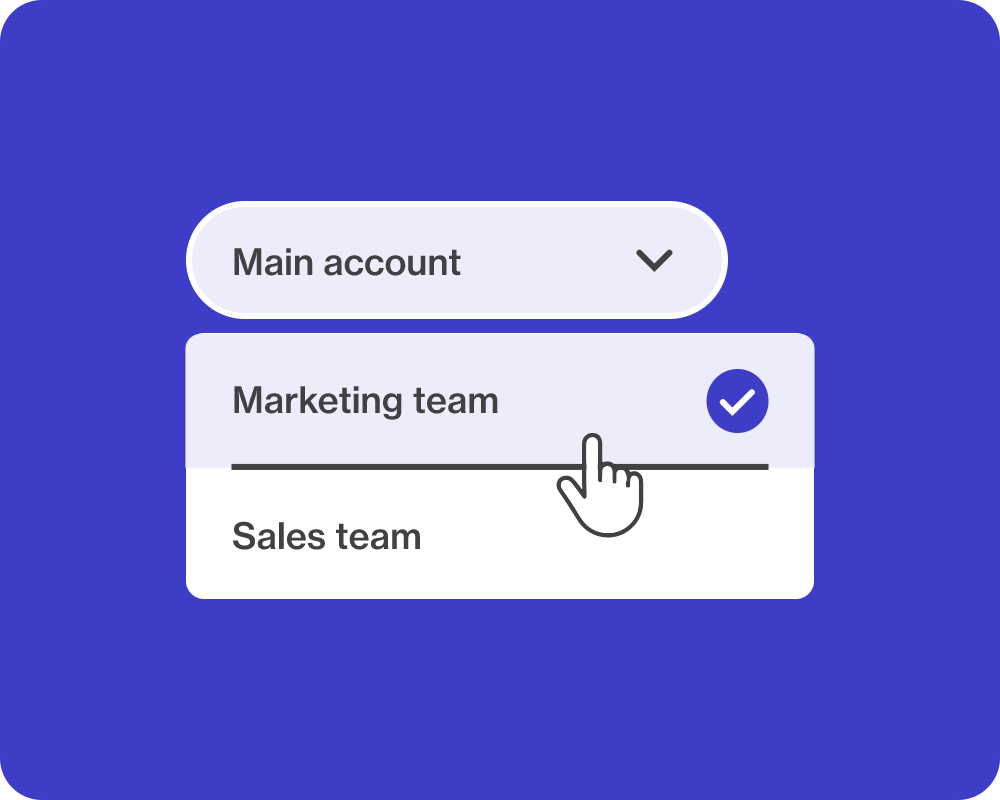
How it Works
You can create multiple sub-accounts and manage them from one place.
Each sub-account operates independently:
- Contacts are stored separately
- Campaigns are managed independently
- Users are assigned per account
Benefits of Sub-Accounts
Keep data organized and separated
Each team, department, or location has its own contacts and campaigns, so data stays structured and easy to manage.
Give teams autonomy without losing control
Teams can manage their own newsletters while access remains clearly defined at the account level.
Reduce unnecessary access and complexity
Users only see what they need, which simplifies workflows and limits internal confusion.
Reduce overhead across multiple teams
You don’t need to create separate Cyberimpact accounts for each team or location. Sub-accounts let you manage everything in one place, while keeping contacts separate and costs tied to the audiences you actually reach.
Sub-Accounts Are Best for
Learn why thousands of organizations use Cyberimpact as their newsletter platform.

Post-secondary institutions
Faculties, alumni relations, and student services can manage their own communications without sharing contact lists.
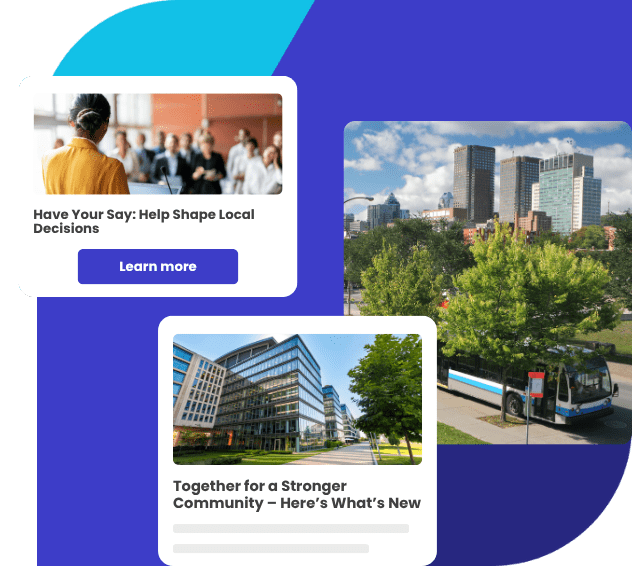
Municipalities
Departments such as parks and recreation, public works, and community services can operate independently without seeing each other’s data.
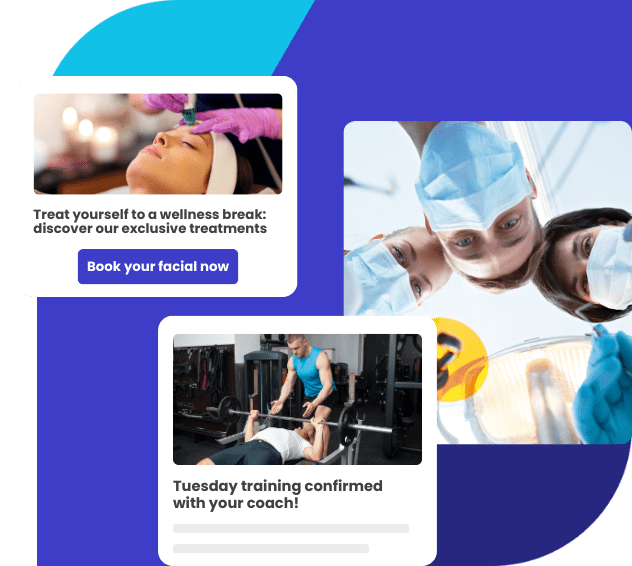
Public health organizations
Regional units, clinics, and specialized teams can manage campaigns without mixing sensitive contact data.
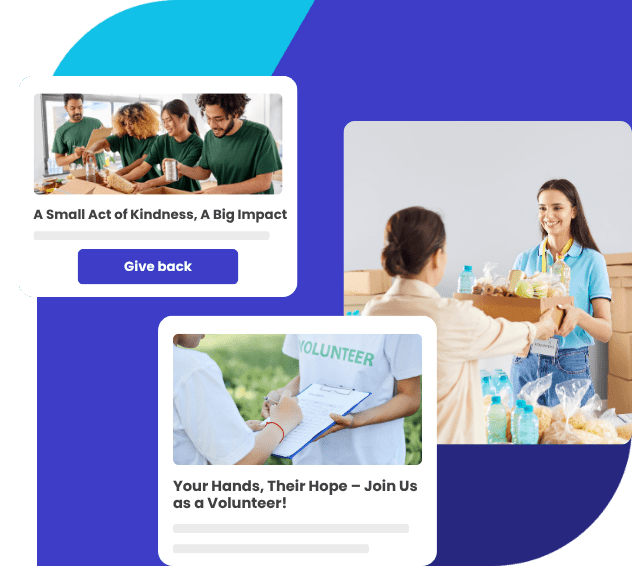
Non-profits
Chapters, regional branches, or local offices can manage their own newsletters without sharing contact lists.
Start Managing Multiple Accounts in One Place
Create separate accounts for your teams or clients while keeping your data organized, your access controlled, and your campaigns accurate.
Frequently Asked Questions
Can contacts be shared between sub-accounts?
No. Each sub-account has its own contact list, and contacts are not shared.
Can a user access multiple sub-accounts?
Yes. Users can be assigned to one or more sub-accounts depending on their role.
Is data shared between sub-accounts?
No. Each sub-account operates independently, so data and campaigns remain separate.
When should I use sub-accounts instead of segments?
Use sub-accounts when audiences must remain fully separated. Segments are better when working within a single shared contact list.