SMTP Service
SMTP Server & Relay Service for Reliable
Email Delivery
Send transactional emails through a secure SMTP server without managing infrastructure or deliverability on your own. Connect your website, CRM, or application and start sending once your domain is configured.
√ Start with 1,000 emails per month at no cost
√ No credit card required
√ Data hosted in Canada

What is SMTP?
SMTP (Simple Mail Transfer Protocol) is the standard used to send emails between systems. It allows your application to send messages—such as confirmations or notifications—through an external server instead of handling delivery itself.


How Does it Work?
- Your system sends the message
- It connects to an SMTP server using credentials
- The message is sent securely (TLS)
- The server delivers it to the recipient
This means you can send emails without managing your own delivery infrastructure.
Key benefits of Cyberimpact SMTP
Connect without additional development
Use standard SMTP credentials to connect your website, CRM, or application—no API or custom integration required.
Reduce delivery issues with proper authentication
Emails are authenticated using SPF, DKIM, and return-path configuration, helping receiving servers verify your messages.
Support consistent delivery
Messages are signed and sent through managed infrastructure designed for stable delivery. Results still depend on your sending practices and recipient engagement.
Track delivery outcomes
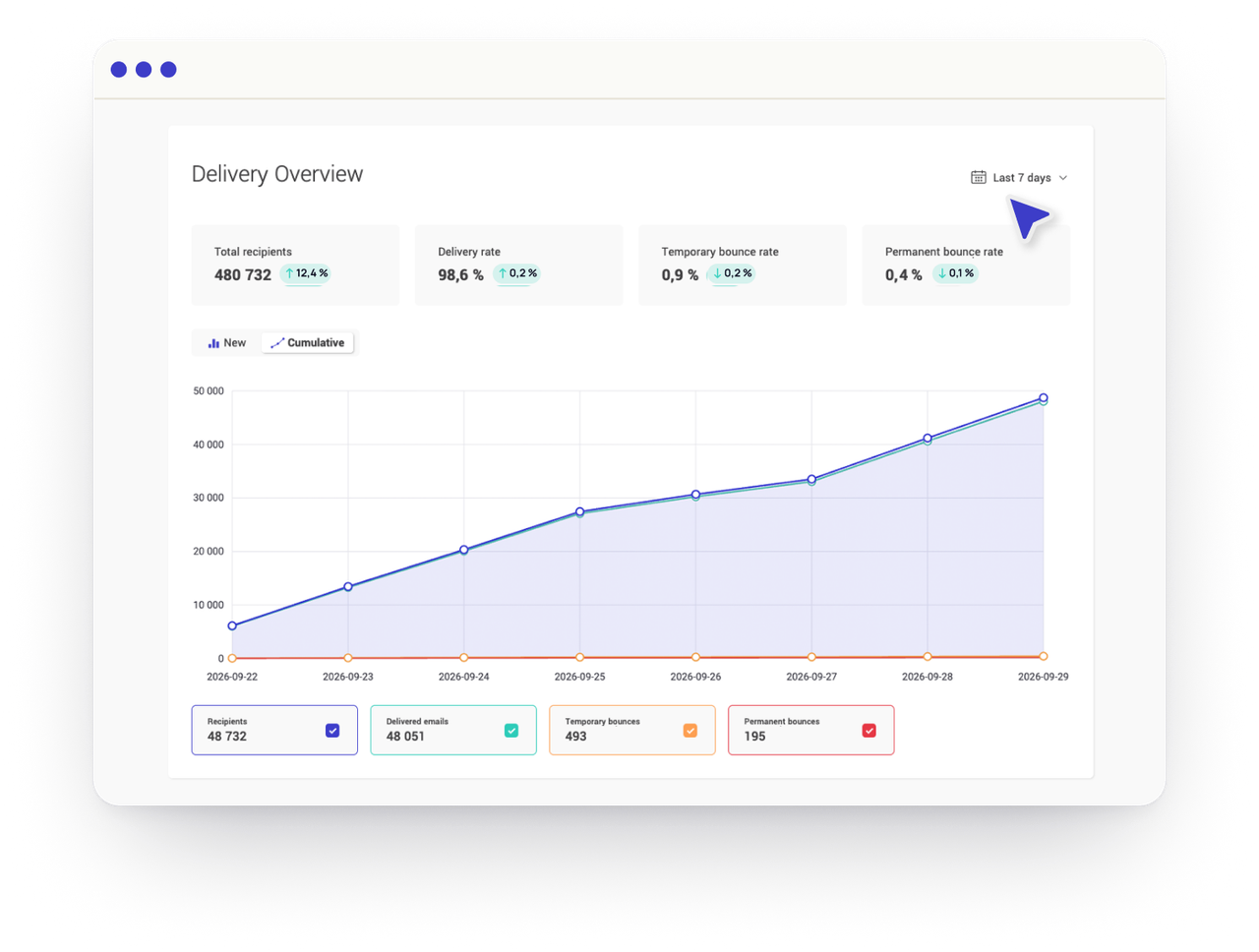
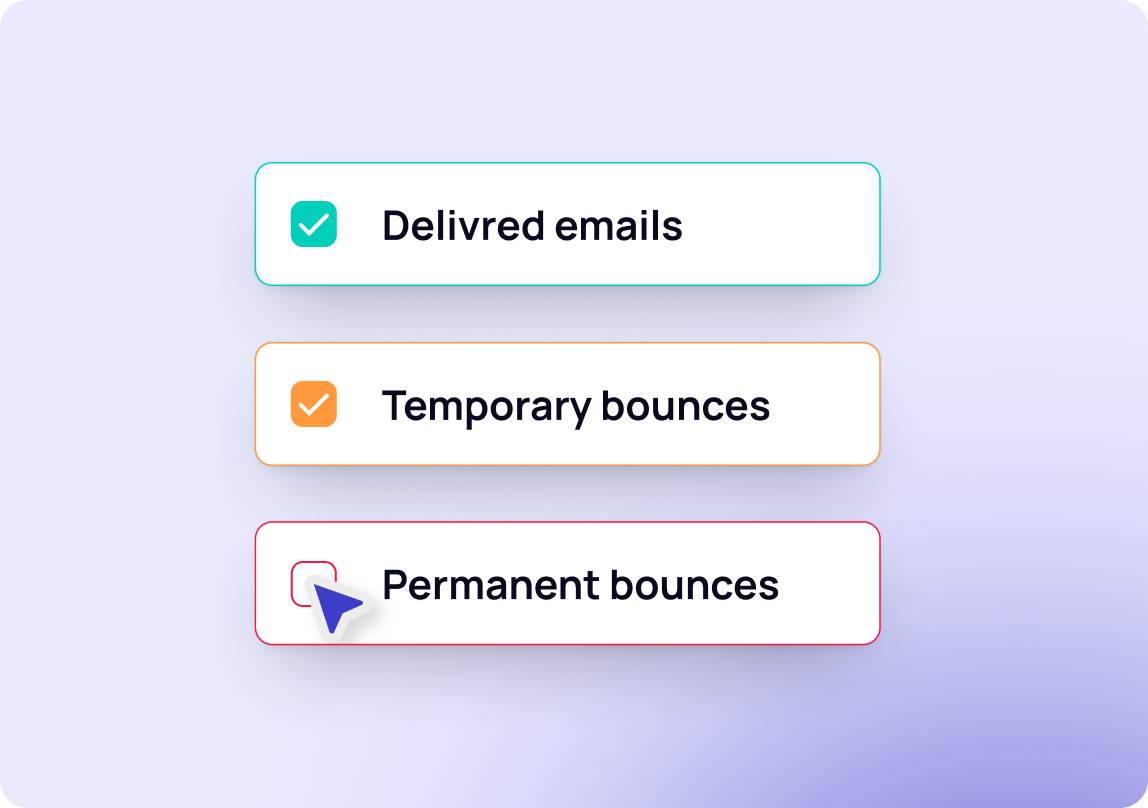
See whether emails are delivered, deferred, or bounced so you can identify and resolve issues quickly.
Use SMTP for Your Transactional Emails
These are common situations where SMTP is used:

Notifications and alerts
Send follow-ups, system alerts, and real-time notifications.

Registration and onboarding emails
Reduce delays in confirmation emails and ensure users complete signup and onboarding flows.

Authentication emails
Deliver password resets and verification emails reliably and on time.

Order confirmations and receipts
Send purchase confirmations, invoices, and billing updates without delays.

Status updates
Keep users informed with account updates, usage notifications, and activity summaries.

Policy or system updates
Ensure important updates reach users when changes affect their account or experience.
SMTP Server Features

Secure and standard connection

Domain configuration requirements

Predictable sending limits

SMTP Resources
Frequently Asked Questions
What is an SMTP server?
An SMTP server sends emails from your system to the recipient’s mail server.
What is SMTP used for?
SMTP is the protocol used to send emails between servers. In practice, applications use it to send messages such as confirmations, notifications, and password resets.
What is an SMTP relay?
An SMTP relay forwards your emails through managed sending infrastructure.
What is SMTP authentication?
SMTP authentication verifies your identity before emails are sent.
What is an SMTP port?
Common SMTP ports include 465 for TLS and 587 for STARTTLS.
How do I activate the SMTP service?
To activate the SMTP relay service, select the desired plan and complete the form. Our team will then contact you to confirm the service activation.
What is the free plan limit?
The free plan allows up to 1,000 emails per month, with no other limitations at this time.