Email Editor

Drag. Drop. Send.

Easily create professional emails that look good on any device with our intuitive drag-and-drop editor.

4.9/5 on Google Reviews
Trusted by 10,000+ Canadian Organizations

Beautiful emails, zero coding

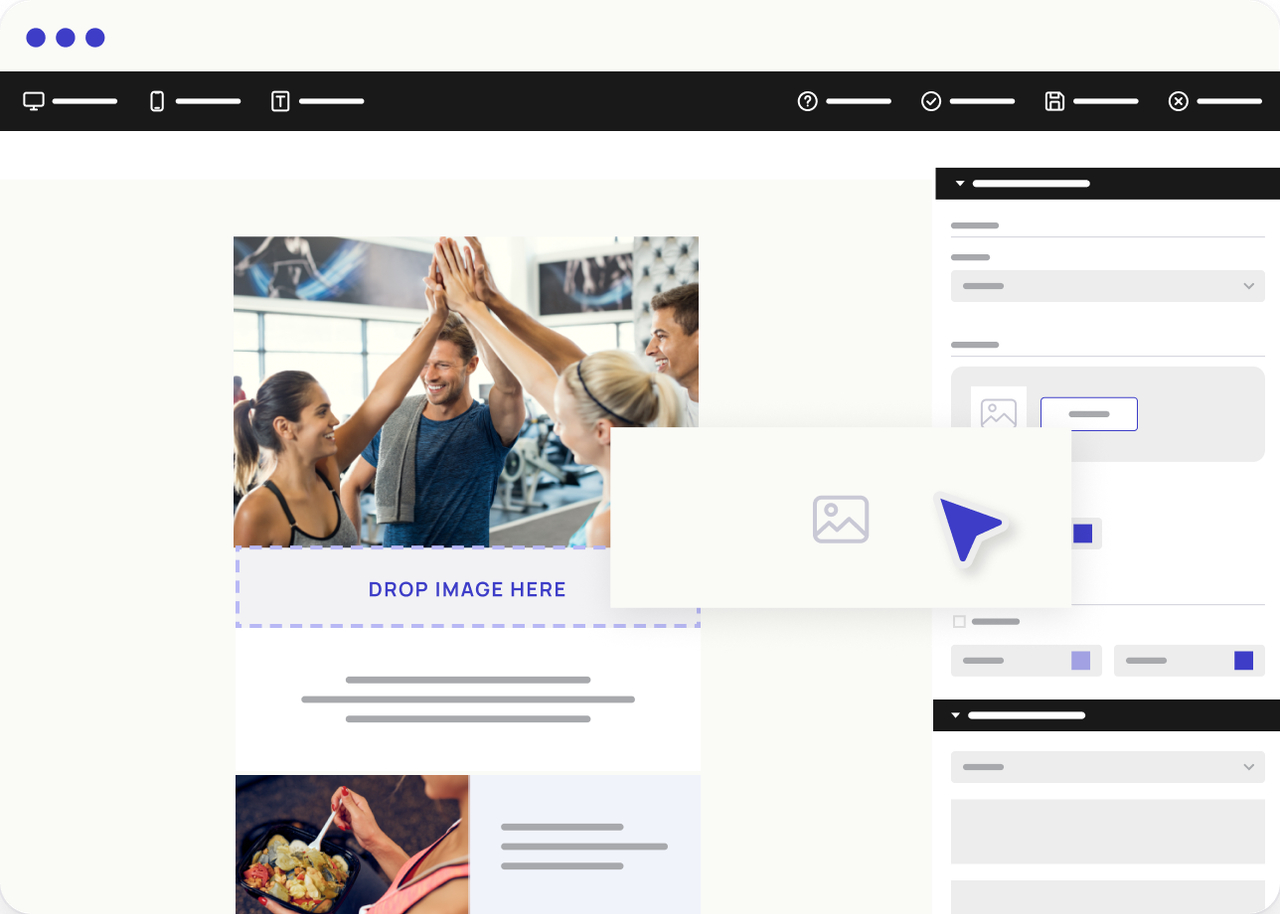
Drag and drop pre-built blocks to arrange columns, add images, and insert buttons, no coding required. Preview exactly what your subscribers will see, on mobile and desktop.

Drag & drop

Build emails visually

Add text, images, social links, and dividers by dragging them into place. Rearrange sections with a single click, no HTML required.

  • Drag-and-drop blocks
  • Column layouts
  • No HTML needed
Responsive

Looks great on every device

Every email is tested to render correctly on mobile, desktop, and tablet. Preview any device anytime while editing.
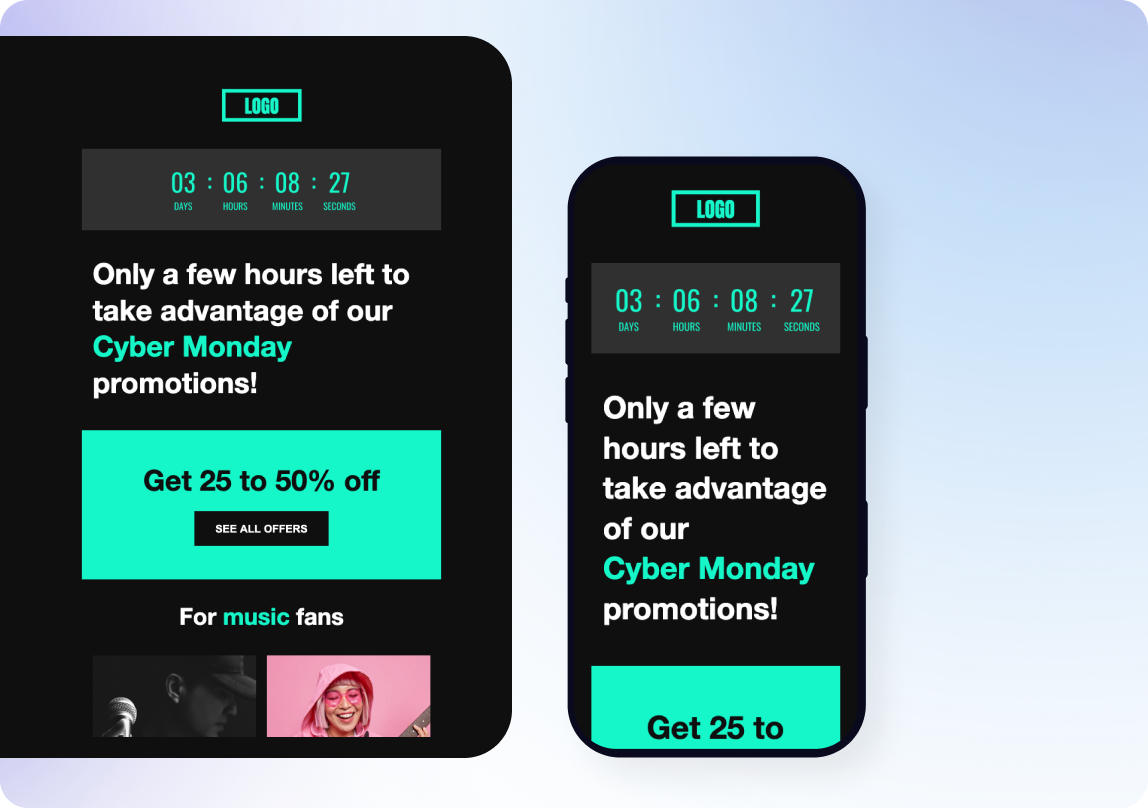
  • Tested rendering on every device
  • One-click mobile preview while editing
  • Auto-responsive layouts
Custom HTML

Full control when you need it

Use the HTML editor and code your email exactly how you want, no restrictions from the drag-and-drop editor.
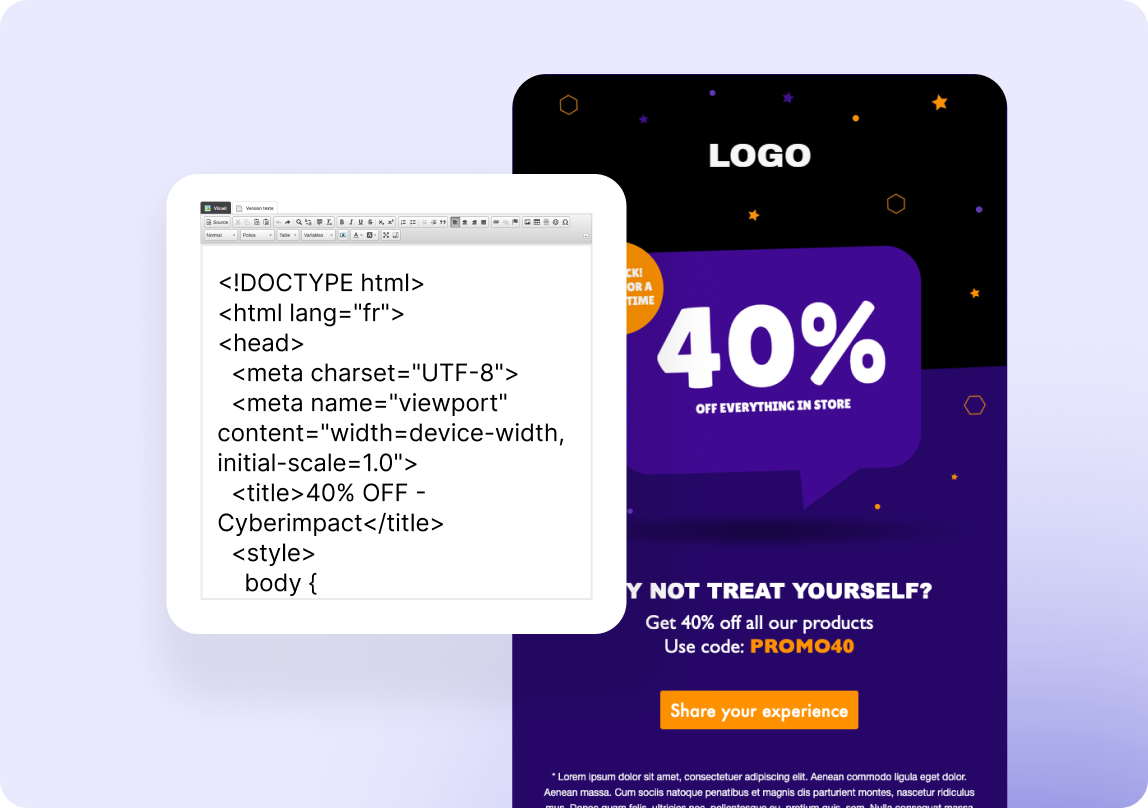
  • Separate HTML editor, built for custom code
  • Paste code from any email design tool
  • Full control over your markup

Editor features you'll love

Drag-and-drop builder
  • Drag and drop editing
  • Email templates
  • Text formatting
  • File manager
Image editor
  • Crop & resize
  • Filters & adjustments
  • Alt text support
  • Image library
Content blocks
  • Dynamic blocks
  • Countdown
  • Calendar links
  • Videos
  • Surveys
Templates

Start with one of our email templates

Professionally designed templates you can customize in minutes.
01-EN10-EN14-EN

Ready to get started?

Start for free — no credit card required.