Ready-to-Use Newsletter Templates
Email Marketing Templates for Every Campaign
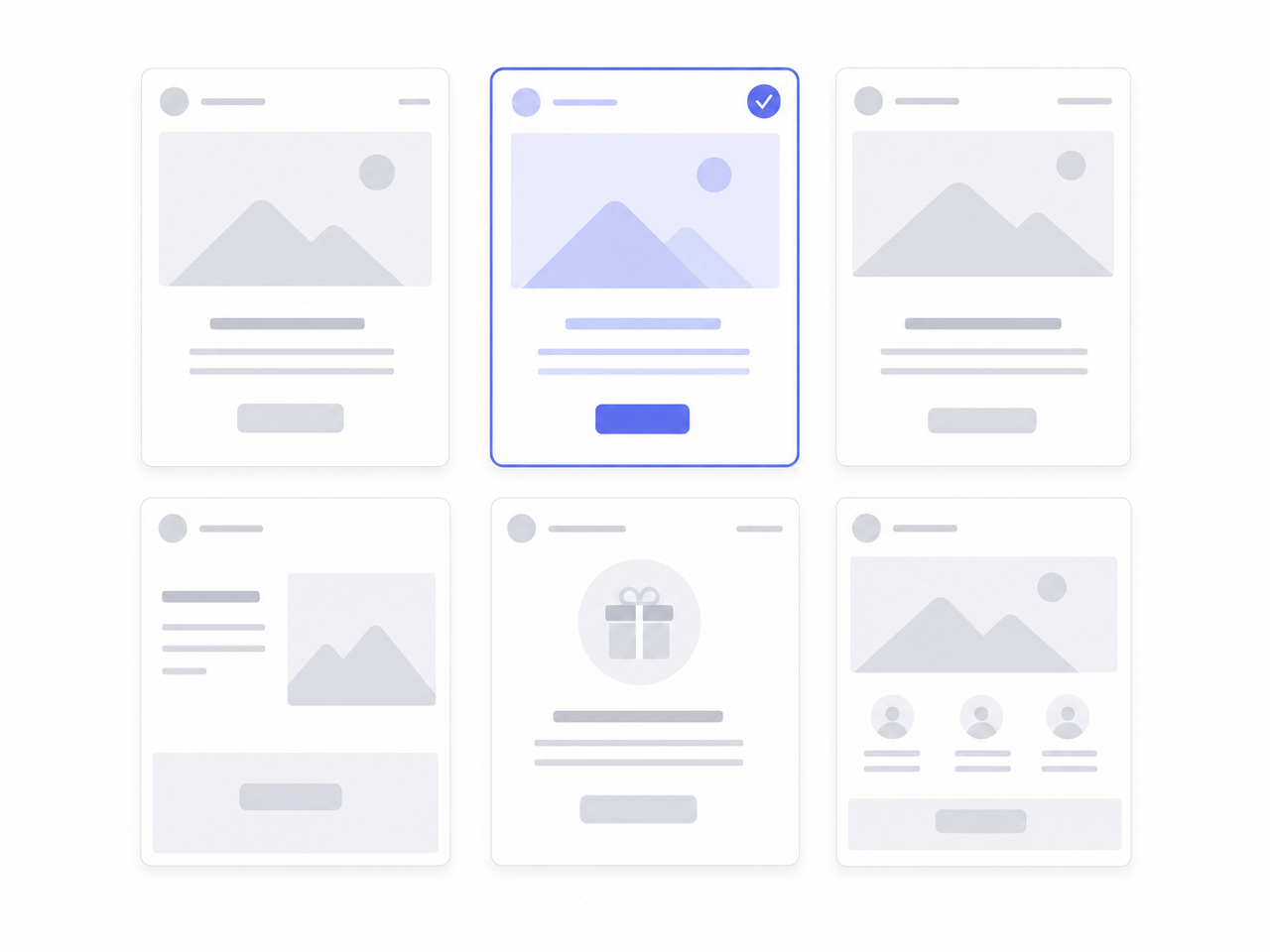
Choose from our email templates, including professionally designed newsletter templates. Customize to match your brand or build your own from scratch in minutes.

Email Templates for Every Industry & Campaign Type
Why they choose Cyberimpact
See why more than 10,000 businesses and organizations trust Cyberimpact
Get Started With Our Newsletter Templates
Create email campaigns faster with professionally designed newsletter templates for email.

No credit card required

Start sending emails & newsletters in minutes

Generate branded designs with Smart Templates

Templates Resources
FAQ
Can I customize the templates to match my brand (colors, fonts, logos)?
Yes! Cyberimpact allows you to fully customize email/newsletter to match your brand identity. You can easily change colors, fonts, and add your logo to ensure brand consistency. Our intuitive drag-and-drop editor makes it simple to personalize each section of your email without any coding.
Can I create my own template from scratch?
Absolutely! You can start with a blank template and build your email from the ground up using our drag-and-drop editor. If you have specific design needs, you can also create and save custom design for future use, ensuring consistency across your email campaigns.
Are the email models responsive/mobile-friendly?
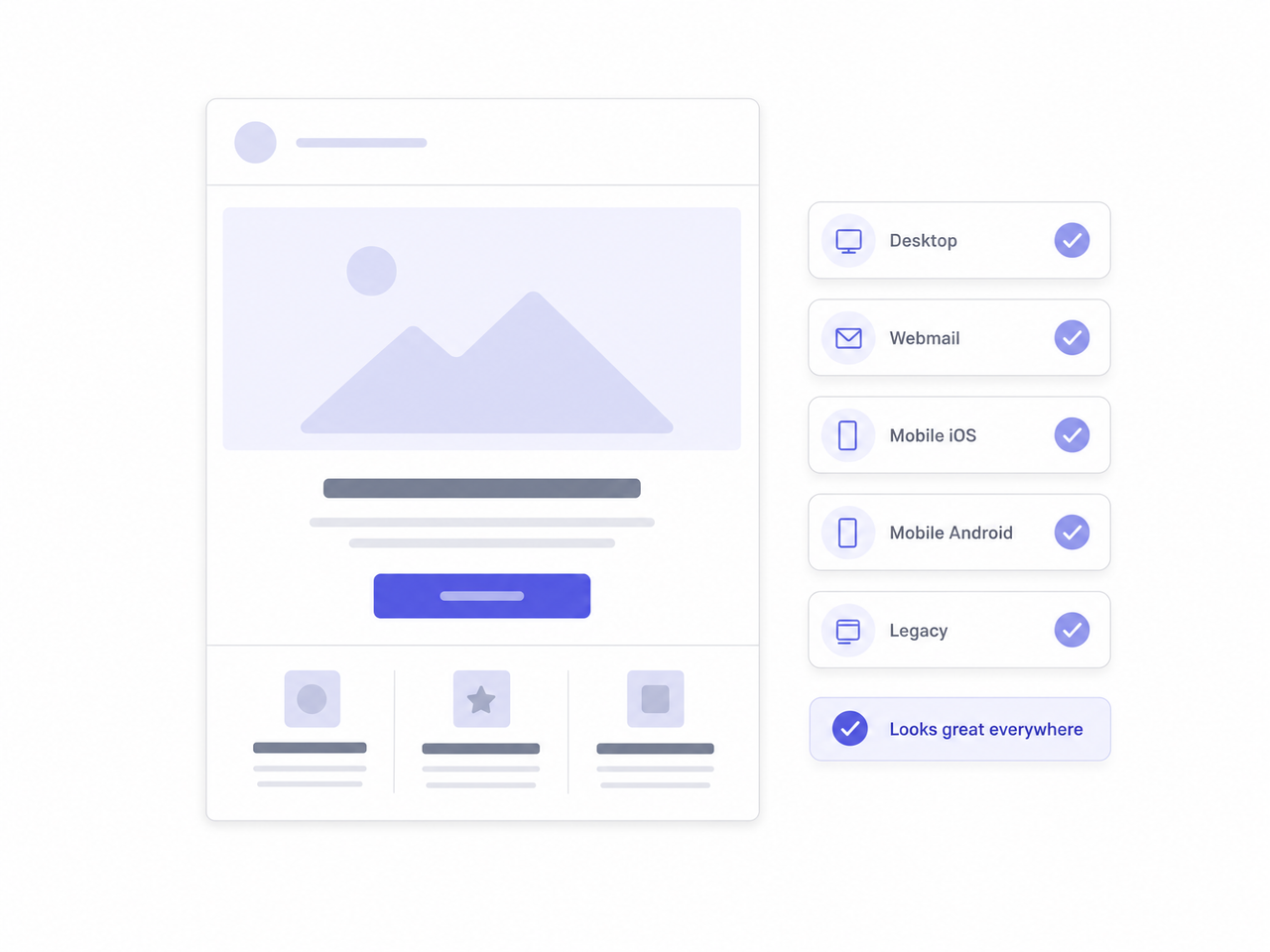
Yes! All Cyberimpact email and landing page models are designed to be fully responsive, meaning they automatically adjust to look great on any screen size—desktop, tablet, or smartphone. You can preview your email in different formats before sending to ensure a seamless experience for your audience.
Can I integrate images, videos, buttons, or PDFs in the templates?
Absolutely! You can easily add images and buttons using the drag-and-drop editor. For videos, you can insert a YouTube or Vimeo link, and Cyberimpact will automatically generate a clickable thumbnail preview. If you need to share a document (such as a PDF), simply upload it to Cyberimpact’s file manager and insert a link or a button in your email. This ensures your document is easily accessible while keeping your email lightweight.
To find out more about how to attach a document to your e-mail, click here.
Can I insert social media links/icons?
Yes! You can quickly add social media icons to your emails by dragging the “Social Media” block into your template. From there, just enter your social media URLs, and the icons will be linked automatically. This helps increase engagement by driving traffic to your social media pages.
Can I include a survey or a form into a mailing?
Yes! Cyberimpact offers Micro-surveys, allowing you to collect feedback directly within your emails—no need for external tools! With just one click, recipients can answer a question, and their response is automatically tracked.
The micro-survey feature is available on the Plus and Pro plans or for a 30-day trial period on the Basic and Free plans.
Can I upload my own HTML email template?
Yes! Cyberimpact allows you to upload your own custom HTML email template. You can do this by using the HTML editor, where you can paste or import your code. This option gives you full control over the design and layout of your emails while ensuring they remain compatible with different email clients.
Keep in mind that Cyberimpact automatically manages certain elements, such as the unsubscribe link, to ensure compliance with CASL (Canada’s Anti-Spam Law).